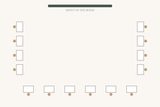
Floor
Drag a guest to another table — their household moves too (hold Alt to move one person). Or click a guest, then “Move here”.
PDF is generated on your device.
All filled in from the list you already pasted — nothing to retype.
Unlock14-day money-back guarantee. Not happy? Reply to your Stripe receipt within 14 days for a full refund. Terms
Pay once, no account. Your guest list never leaves your browser, before or after you buy.
Already bought? Restore your purchase
The receipt number is in the receipt email from Stripe, e.g. 1234-5678.
Every free tool
Weddings
 Seating chart templateFree Excel and printable template
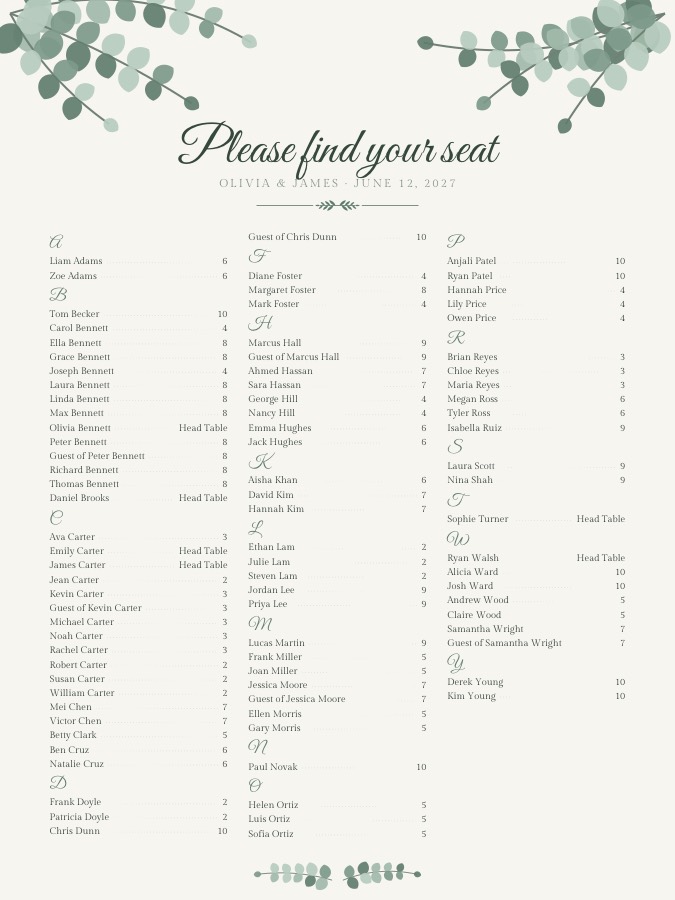
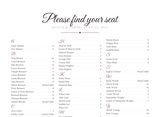 A–Z seating chartGuests sorted by last name
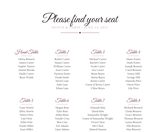 Seating chart exampleA finished chart to copy
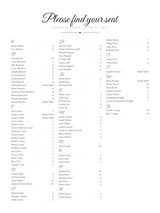 Seating chart sign sizesWhich poster size to print
 How to make a seating chartSeven steps, start to finish
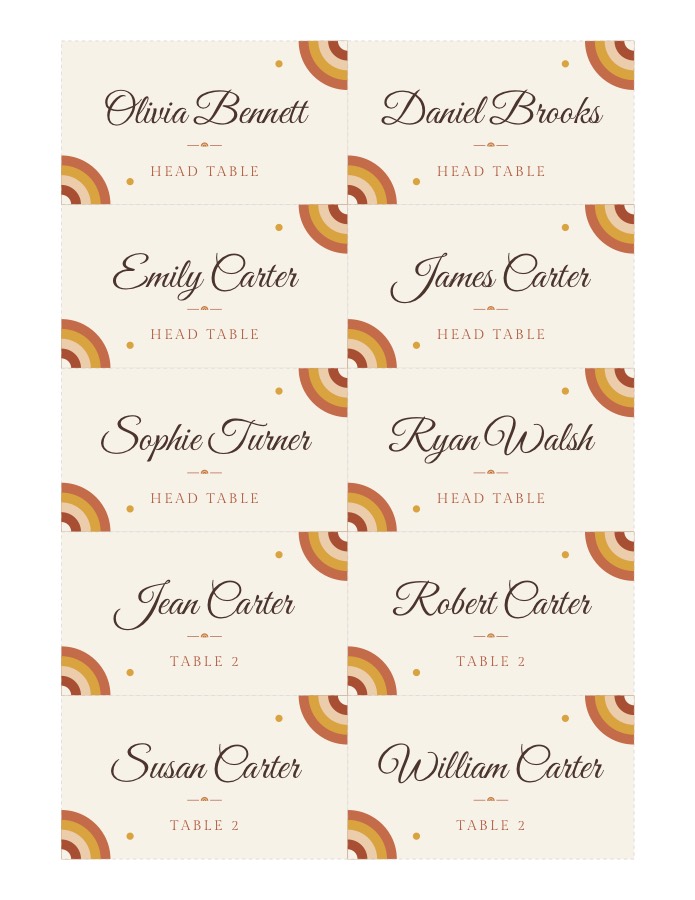
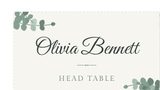 Wedding place cardsEach guest’s name and table
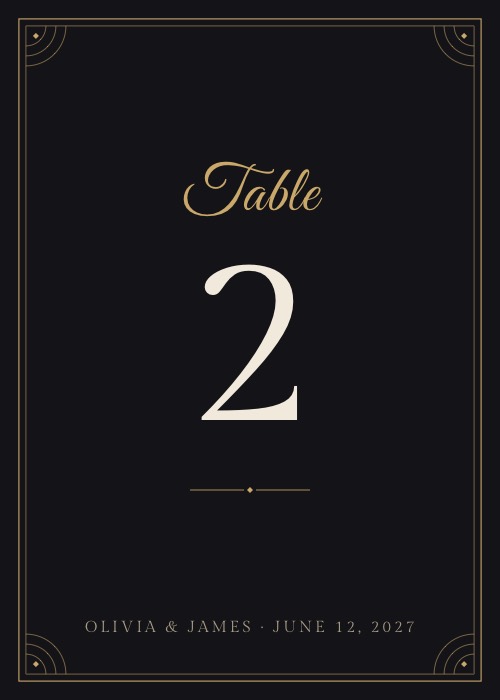
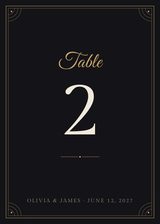 Table numbers5×7 or 4×6, one per table
 Round table seatingHow many fit at 48, 60, 72 in
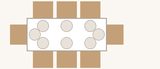 Rectangular table seatingHow many fit at 6 ft, 8 ft
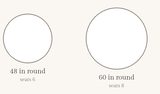 Table sizesFolding, banquet, round, cocktail
 Tablecloth size chartWhat size for 6 ft, 8 ft, round
Holidays & parties
 Thanksgiving place cardsMaple, wheat, pumpkin and more
 Christmas place cardsHolly, pine, star and more
 Christmas gift tagsA tag for every name
 Secret Santa generatorDraw names, private links
 White elephant generatorRandom turn order and slips
 Printable place cardsFor any dinner or party
 Dining table sizeWhat fits your room, for 4 to 10

How it works
- Paste your guests. One household per line, or a CSV from Excel / Google Sheets.
- Add rules. Couples and families stay together automatically; add “must sit together”, “keep apart” or “seat at table”.
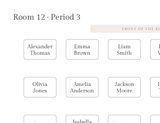
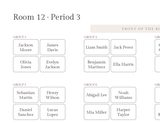
- Seat & print. Auto-seat, fine-tune by drag and drop, then download a print-ready PDF in poster sizes.
New to seating plans? Read how to make a wedding seating chart in 7 steps.
Questions
Is it free?
Yes. Seating, editing and printing the classic sign in every size are free, with no account. An optional one-time print pack adds table number cards, place cards and 4 more sign styles for $6 ($3 launch price until December 31, 2026).
Do you upload my guest list?
No. Everything runs in your browser. The list is saved only on this device so you can come back to it.
How does the auto-seating work?
Households always share a table. Your “together”, “apart” and “table” rules are never broken; within those, guests with the same tag (like #college) sit together and tables are kept evenly filled.
What can I print?
An alphabetical sign (by last name) or a by-table sign, sized for 18×24, 24×36, 16×20 or 11×17 inch posters, A2 or Letter (which size to print) — plus a CSV for your venue or caterer.
Can I import from Excel or Google Sheets?
Yes — paste rows with a header such as Name, Household, Group, Table. A Table column pins that guest to the table. Start from the free guest list template.
Does it work with Chinese names?
Yes. Guest lists can mix English and Chinese names, and the printed sign supports both.
Is there a seating chart app?
It’s a web app: open autoseatingchart.com on your phone, tablet or laptop. There is nothing to install, and your list stays on that device.
Can I keep certain guests apart?
Yes. Add a “Keep apart” rule for any two guests, such as exes or divorced parents. It is never broken; “Must sit together” and “Seat at a specific table” work the same way.
What doesn’t it do?
There is no account or cloud save (your plan lives in this browser), no QR-code seat finder, no venue floor-plan drawing and no Word template. It makes the seating plan, the printable sign and the CSV; the optional print pack adds table number cards and place cards.