Free name tent template: printable name tents with every name filled in
Type or paste the list of names, pick a design and download print-ready name tents for a meeting, a workshop, a conference or a classroom. Each name is on both sides of the fold, large enough to read across the table. Free, no sign-up and no watermark, and the names never leave your browser.
Make your name tents
What you get
- Every name tent already filled in, one per name, in the order you typed them.
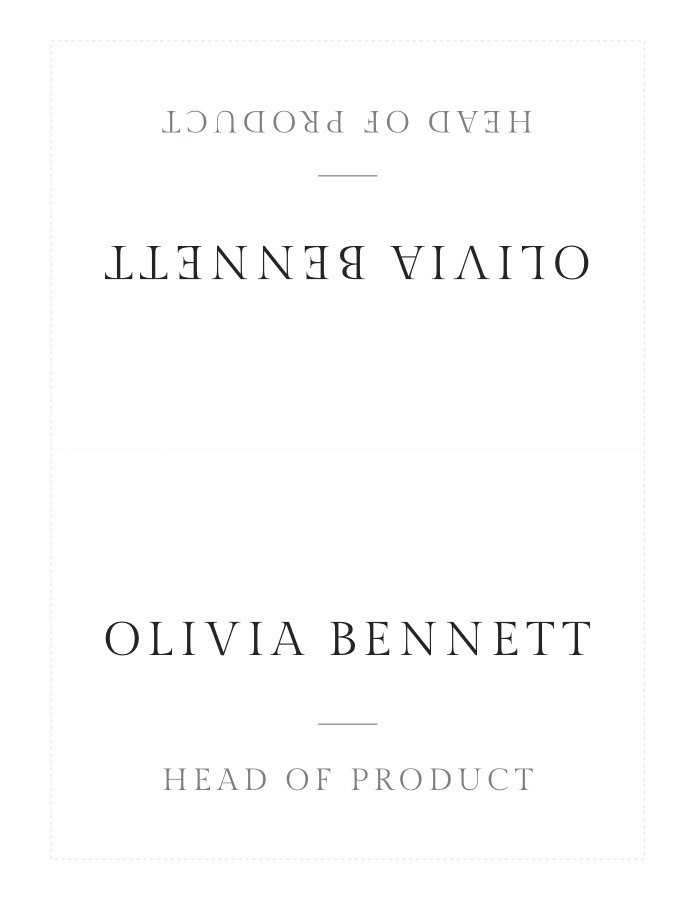
- Full-sheet name tents: printed 7.25 × 10 in, one per sheet, folded in half to stand 7.25 × 5 in. The name is on both sides; the back half prints upside down so it reads correctly once folded.
- Small name tents at 3.5 × 2 in, four to a sheet, for a dinner table or a crowded desk.
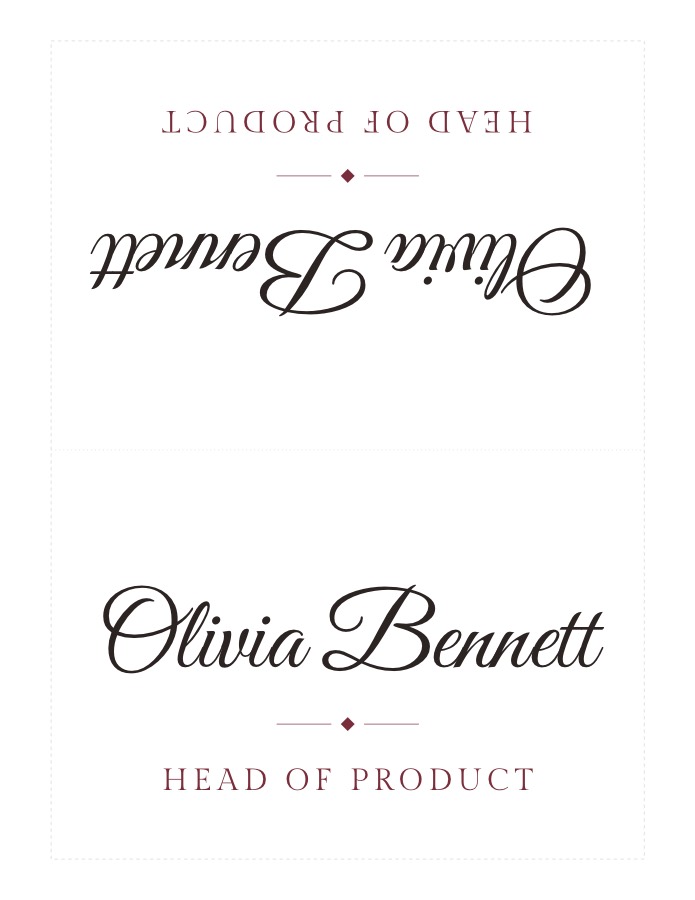
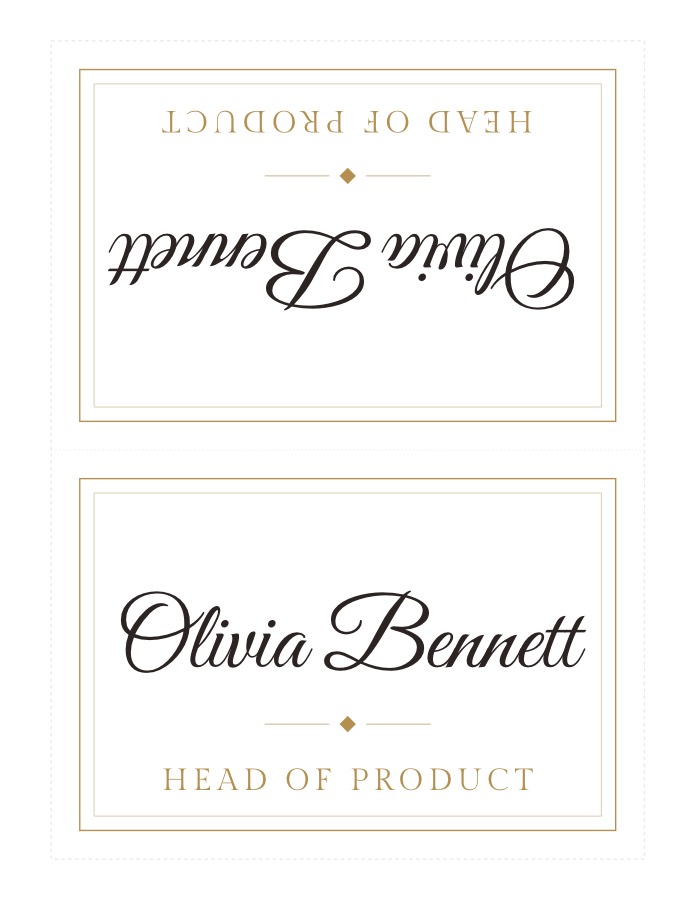
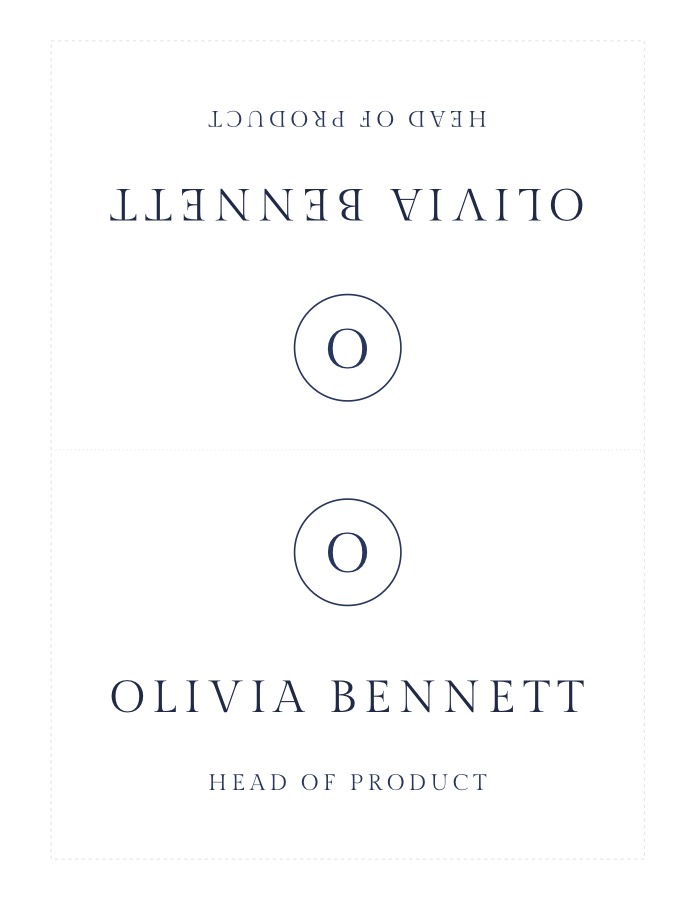
- Six designs: Modern in clear capitals, Classic script, a Monogram ring, Art Deco corners, an Olive branch in line art, and a Gold frame.
- A title or company under each name: type it after a bar (“Olivia Bennett | Head of Product”) or paste a name column and a title column from a spreadsheet. Names without one get the shared line, such as the meeting or the date.
- Letter or A4, with a dotted line to fold on and dashed lines to trim along.
Name tent designs
Each sample is one Letter sheet. The upper half is the back of the name tent, printed upside down.
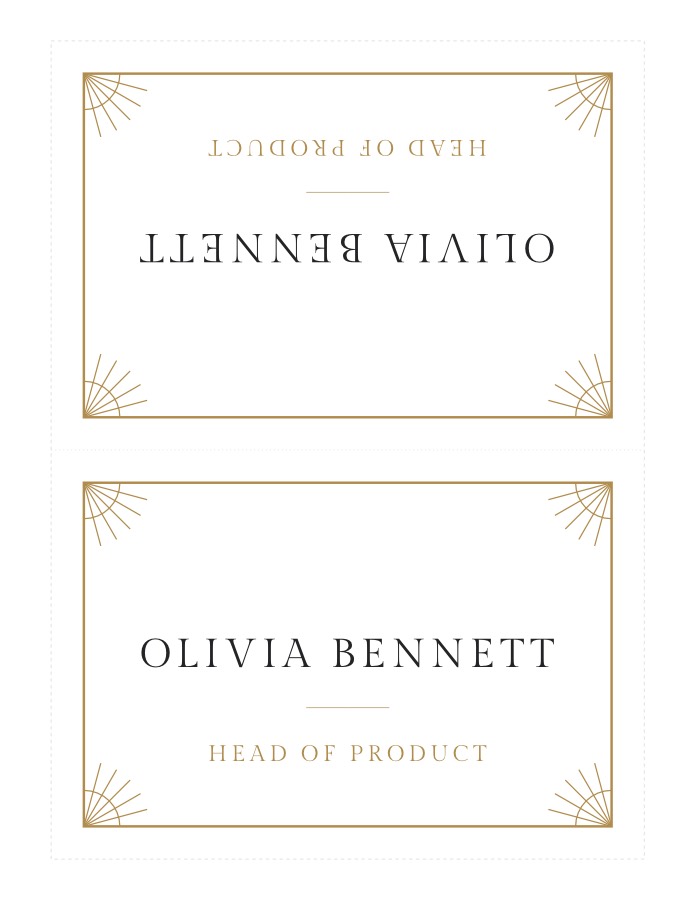
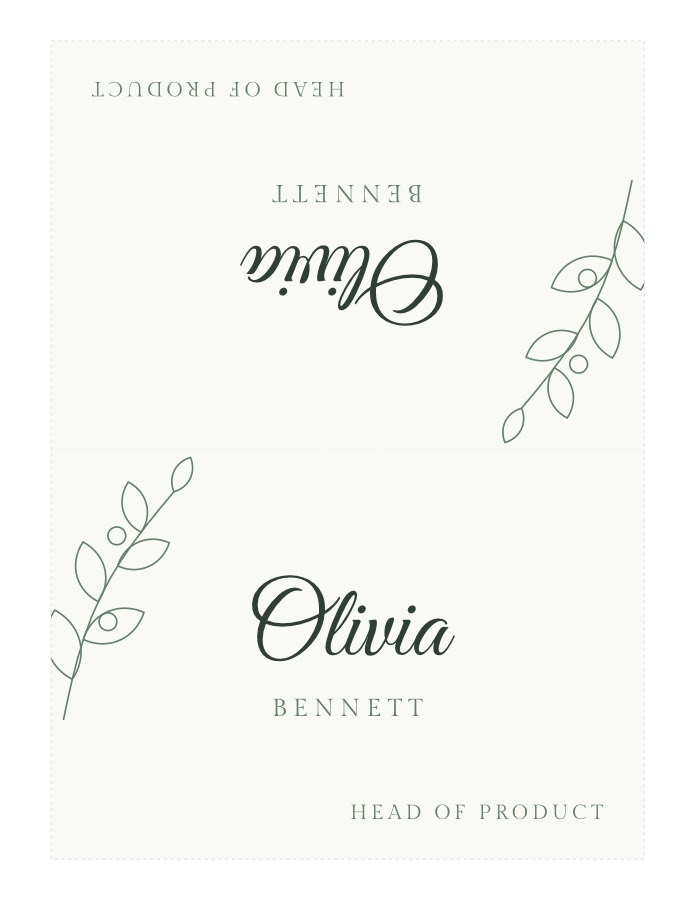
Name tents for meetings, classrooms and events
- Meetings, workshops and training: Modern, full sheet, with the session or the company on the line.
- Conferences and panels: full-sheet name tents read from the back of the room; put the organization on the line.
- Classrooms: desk name tents help a substitute or a new teacher learn names in the first weeks. Seat the class first with the free classroom seating chart maker.
- Group work: split the class or the team with the random group generator, then print a name tent for every table.
- Dinners and parties: the small size works as a folded place card; there are more designs on printable place cards.
How to print and fold name tents
- Proof it. Print one sheet on plain paper and check every name.
- Print at actual size (100%), not “Fit to page”. Half an inch of margin on every side suits any home or office printer.
- Use card stock (65 lb / 176 gsm or heavier) so the tent stands straight; plain paper works for one meeting.
- Trim on the dashed lines if you want clean edges, or leave the full sheet.
- Fold on the dotted line, printed side out, and stand it on the table: each side shows the name the right way up.
Name tent questions
Is the name tent template free?
Yes. All six designs, both sizes and Letter and A4 paper are free, with no watermark and no account to create.
What size is a name tent?
The full-sheet name tent prints 7.25 × 10 in, one per sheet, and folds in half to stand 7.25 × 5 in, big enough to read across a meeting table. The small size stands 3.5 × 2 in, four to a sheet, like a place card.
Is this a Word template?
No. Instead of editing a Word or Canva template one name at a time, you type the whole list once and download a print-ready PDF with every name tent filled in.
Will it print on Avery name tents?
The layout is not lined up with any Avery product. Print on plain card stock, trim along the dashed lines if you like, and fold on the dotted line.
Can I add a title or company under the name?
Yes. Give each person their own line by typing it after a bar, “Olivia Bennett | Head of Product”, or paste two columns (names and titles) from Excel or Google Sheets. Names without their own line get the shared line, such as the meeting or the class.
Do you keep the names?
No. The PDF is made in your browser and the names are not uploaded. They are saved only on this device for next time.