Free wedding seating chart template
Keep your guest list in Excel or Google Sheets with this template, then paste it into the free seating chart maker to seat everyone automatically and print the sign. Prefer pen and paper? Print the blank chart.
How to use the template
- Download a template below and fill in one guest per row — in Excel, Google Sheets or Numbers.
- Copy all the rows, header included, and paste them into the guest box of the seating chart maker. Households, groups and table pins are read automatically.
- Seat everyone, fine-tune by drag and drop, then print an A–Z or by-table sign in poster sizes, or download the plan as a CSV for your venue. New to seating plans? Read how to make a wedding seating chart.
Download the templates
Guest list for Excel
One guest per row with Name, Household, Group and Table columns. Opens in Excel, Numbers and LibreOffice.
Download .xlsxGuest list for Google Sheets
The same template as a CSV. In Google Sheets: File → Import → Upload.
Download .csvBlank printable seating chart
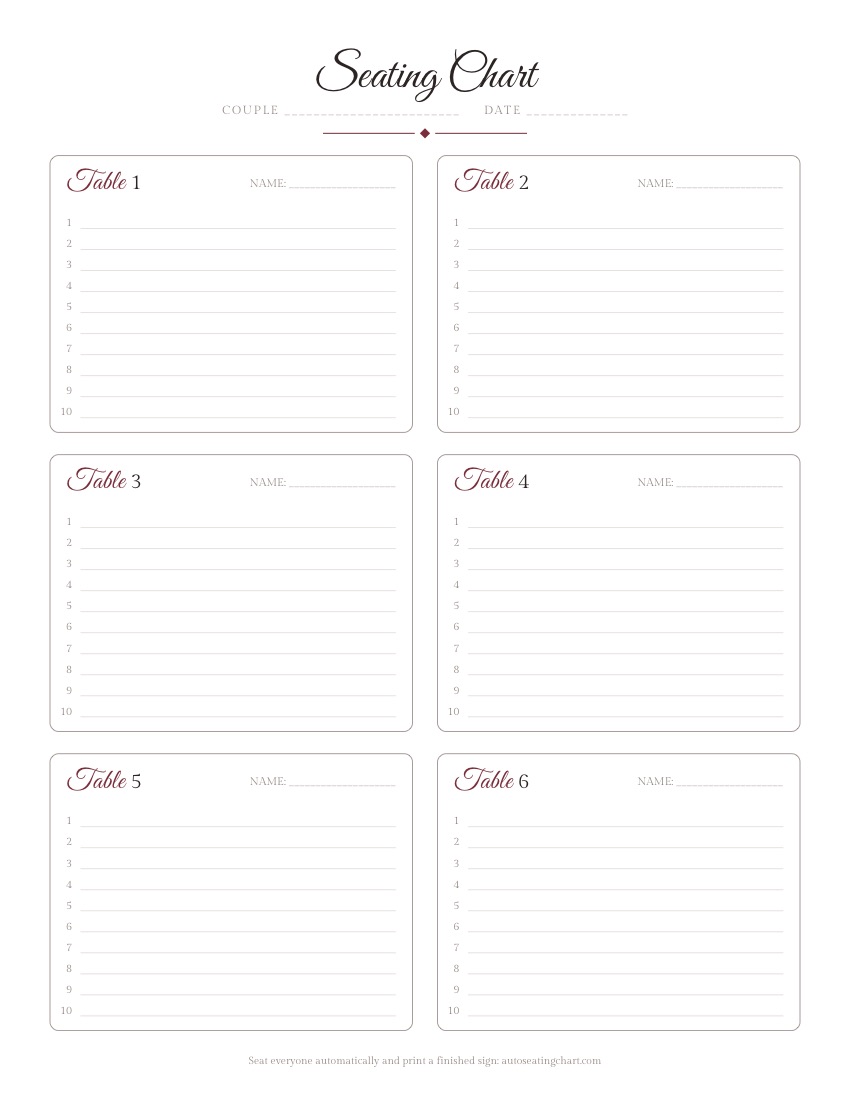
Two pages, 12 tables with 10 numbered seats each, to plan by hand.
How to fill in the guest list
| Column | What to put in it | Example |
|---|---|---|
| Name | One guest per row, first and last name. Add “Guest of …” rows for plus-ones. | Olivia Bennett |
| Household | The same number or word for everyone who must share a table — a couple, a family. Leave empty for guests coming alone. | 1 |
| Group | Optional labels such as college, work or bride-family; separate several with “;”. Guests in the same group are seated together when there is room. | college; work |
| Table | Optional. The table number (or the table’s name as you set it in the maker) for guests who must sit at a particular table — the head table, grandparents near the front. Leave the rest empty and let the maker decide. | 1 |
The template comes with a few example rows from a fictional wedding to show the format — delete them and add your own guests.
Template questions
Is there a wedding seating chart template for Excel?
Yes. Download the free .xlsx guest list template: one guest per row with Name, Household, Group and Table columns. Fill it in, then copy the rows into the seating chart maker to seat everyone automatically.
How do I use the template in Google Sheets?
Download the CSV, then in Google Sheets choose File → Import → Upload. When the list is ready, select the columns with the header row, copy, and paste them into the seating chart maker.
Is there a Word seating chart template?
There is no Word file: a table of names is easier to keep in Excel or Google Sheets, and the maker prints the finished sign as a PDF. If you want to plan on paper, print the blank seating chart PDF.
How many guests should I put at each table?
A 60-inch round table seats 8–10 guests and a 72-inch round seats 10–12. The blank chart has 10 seats per table; in the maker you can set any size per table.
What do Household and Group mean?
Guests with the same Household value always sit at the same table, so couples and families stay together. Group is a label such as college or bride-family; guests in the same group are seated together when possible.