Free printable Christmas place cards with every guest’s name filled in
Set a proper Christmas table without writing out a single name. Type the guest list, choose holly, a red ornament or a quiet snowflake, and print place cards with each name already on its card. Fold them to stand on the plate or print them flat, on Letter or A4. It’s free, with no sign-up and no watermark, and the names stay in your browser.
Make your Christmas place cards
What’s on the cards
- One card per guest, in the order you typed the names. Type them in seating order and you can set the table straight from the stack.
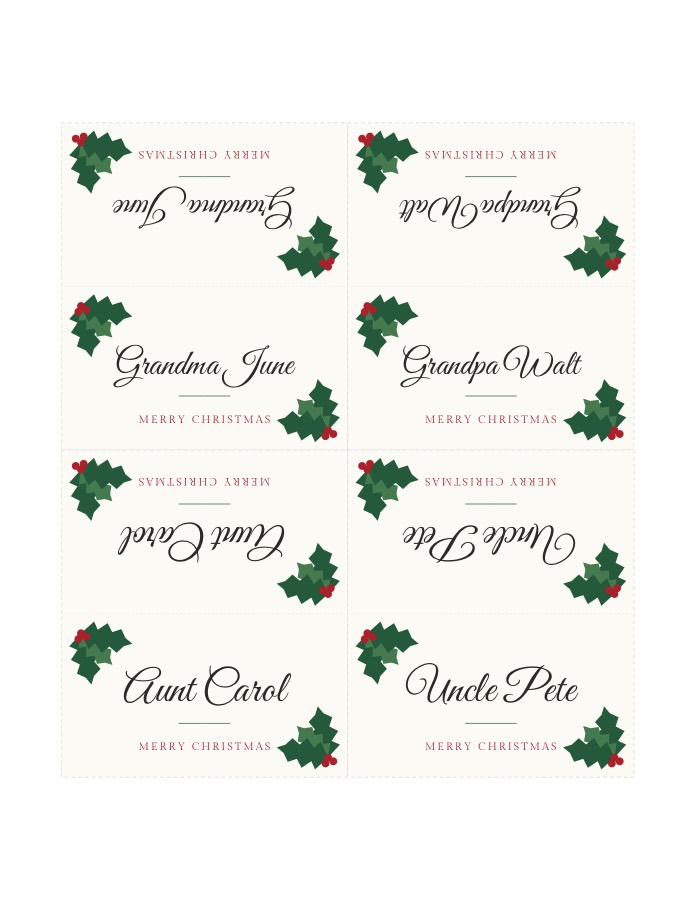
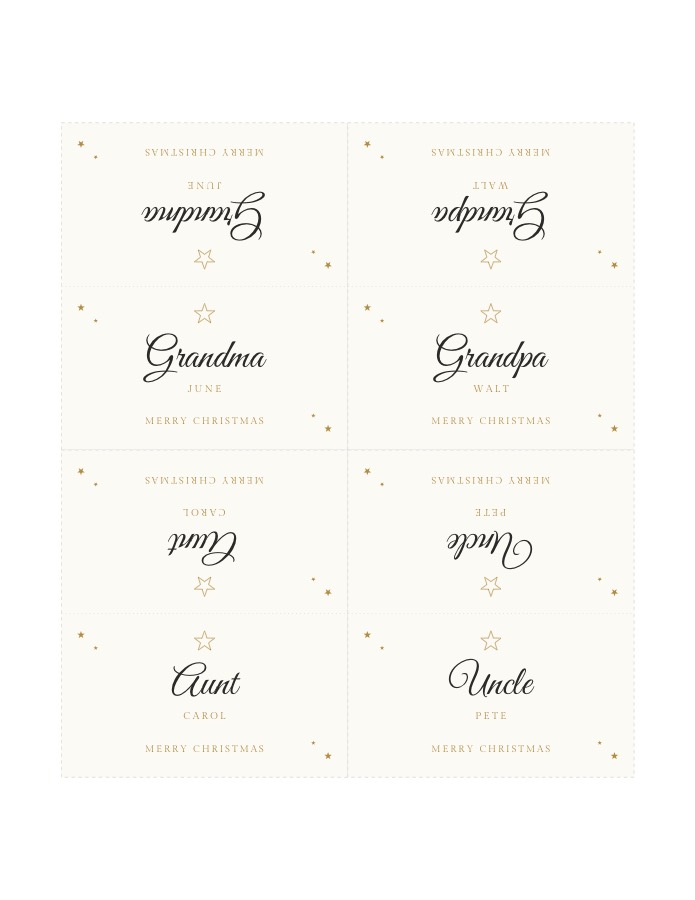
- Folded cards that stand on their own: 3.5 × 2 in at the table, four to a sheet. Both sides carry the name, so it reads from across the table as well. That is why the upper half of each card prints upside down.
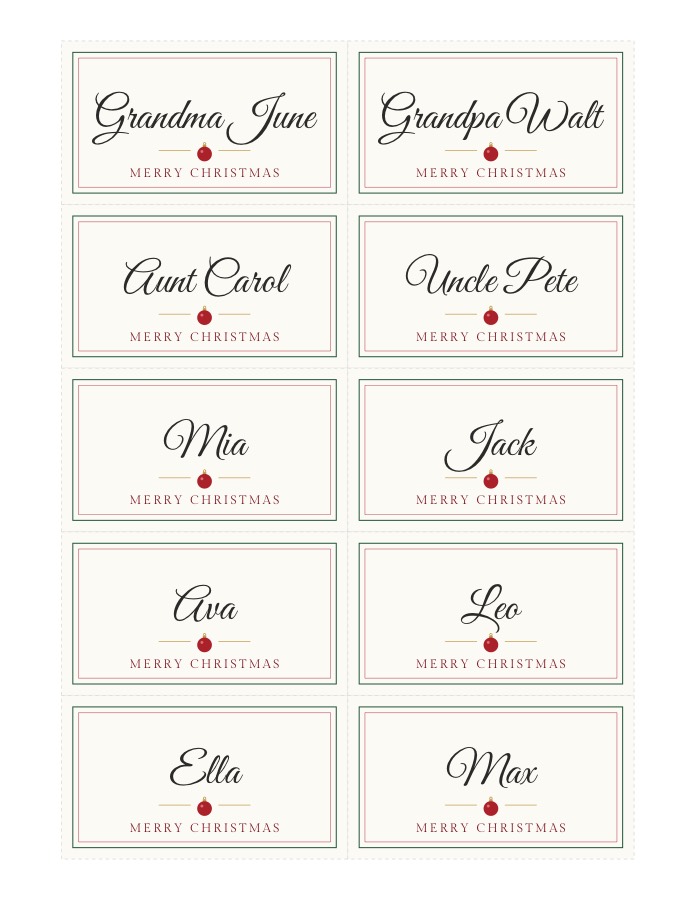
- Flat cards of the same size, ten to a sheet, to tuck into a napkin ring or a pine cone, or to lay on a plate.
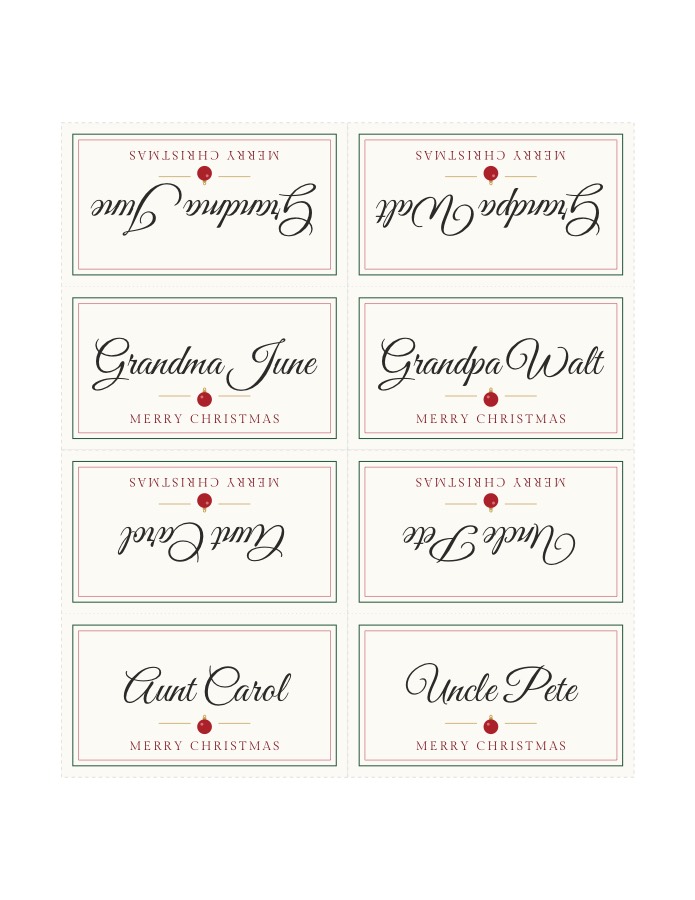
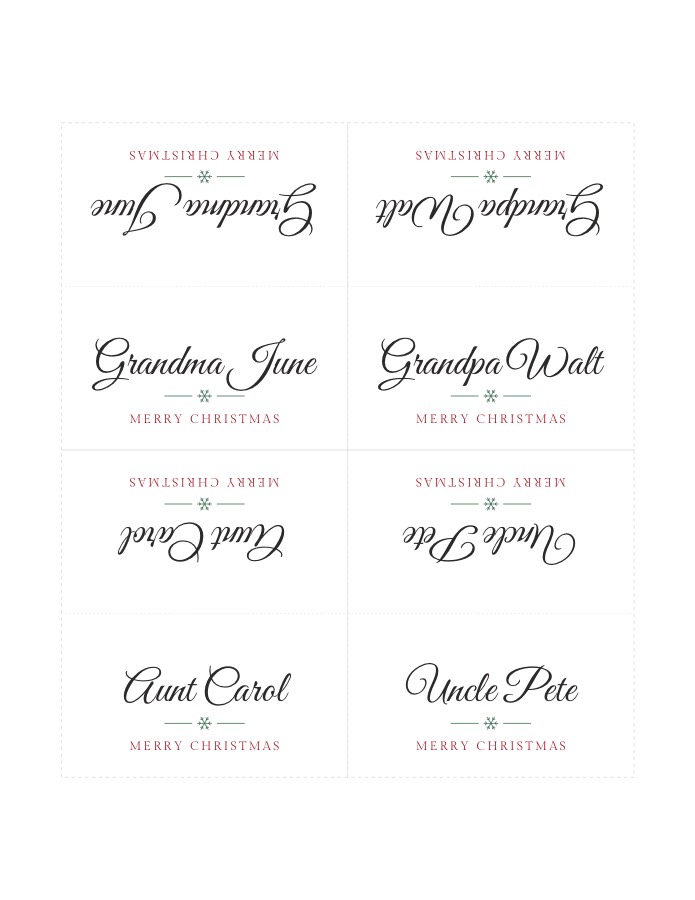
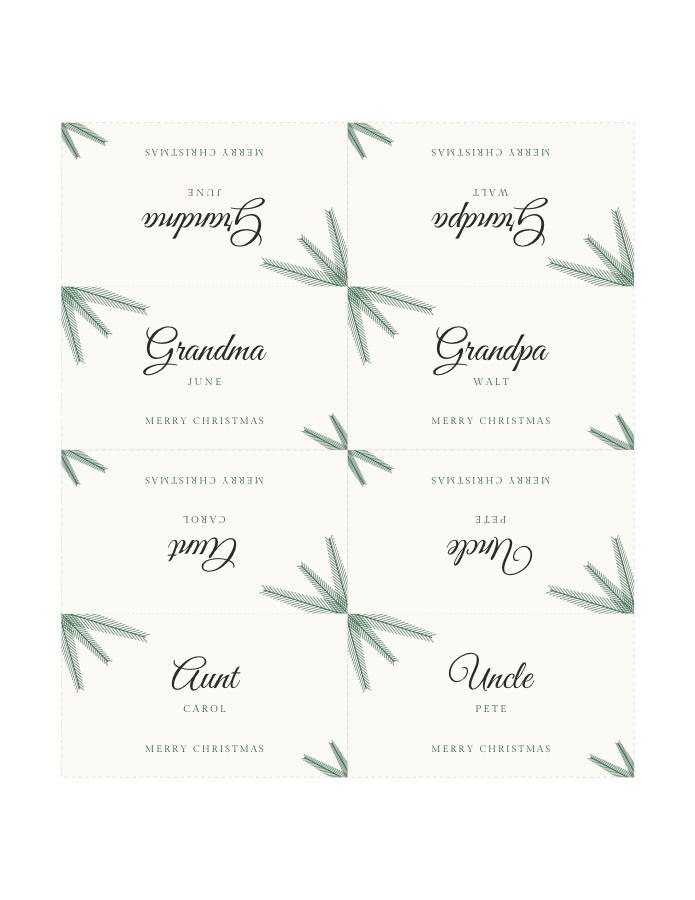
- Five Christmas designs: Holly, with sprigs and red berries in the corners; Pine, line-drawn branches with the surname in small capitals; Star, a gold outlined star over the name; Ornament, a red bauble inside a green and red frame; and Snowflake, a single green snowflake on white that saves ink.
- Your own line under the names. It starts as Merry Christmas. Try Christmas Eve 2026, Happy Holidays or the family name, or clear it.
- Letter or A4, with dashed cut lines and a dotted fold line.
Christmas table name cards: the five designs
Each sample is the first Letter sheet of folded cards for a family Christmas dinner. The upper half of every card is its back, upside down until folded.
Blank Christmas place card template
For names written by hand, in your best handwriting or a child’s, press Blank template above: a printable sheet of Christmas place cards in the chosen design with the holly, pine or star and no names. It is also the quick answer when guests are still being added on Christmas Eve.
Printing, cutting and folding
- Check one plain sheet first. Names are easy to misspell in a hurry; a test page costs nothing.
- Print at 100%. Pick “Actual size” in the print dialog, not “Fit to page”. Every card sits at least half an inch from the paper’s edge, so any home printer can print it.
- Use card stock for the real thing, the heaviest your printer will feed. Cream or white both suit the designs.
- Cut along the dashed lines with a paper trimmer, or a craft knife against a ruler. Neighboring cards share a line, so each cut frees two edges.
- Score and fold. Run the back of a butter knife along the dotted line against a ruler, then fold with the print on the outside.
Ideas for the Christmas table
- Name card plus a gift: stand each card against a cracker, a small wrapped gift or a candy cane.
- Office or friends’ holiday party: use the Snowflake design with Happy Holidays or the company name under the names.
- Christmas Eve and Christmas Day: the names stay saved on this device, so the second meal is one click: change the line and print again.
- Several tables? Split a big gathering across tables first with the free seating chart maker.
- Gift exchange? Draw names with the free Secret Santa generator: couples won’t draw each other, and everyone gets a private link to their match.
- Presents under the tree? The same designs come as Christmas gift tags with every name filled in.
Hosting Thanksgiving too? Make Thanksgiving place cards the same way.
Christmas place card questions
Are these Christmas place cards free?
Yes. All five designs, folded and flat cards, and Letter and A4 paper are free. There is no watermark and no account.
What size are the Christmas place cards?
3.5 × 2 in on the table. Folded cards print 3.5 × 4 in, four to a sheet, and fold in half to stand up. Flat cards print ten to a sheet.
Can I use them for an office or non-religious holiday party?
Yes. Change the line under the names from Merry Christmas to Happy Holidays, Season’s Greetings or your company name, and pick the Snowflake design, which has no Christmas symbols.
Why is the top half of each folded card upside down?
The top half is the back of the card. Once you fold it, the name on the back reads the right way up for the person sitting across the table.
Do you keep the names I type?
No. The cards are made in your browser and the names are not uploaded. They are saved only on this device, so you can come back and print more.
Do you have a Christmas dinner seating chart?
For one table, the cards are the plan: type the names in the order people sit, starting from the head of the table, and the cards print in that order, ready to set out. With several tables, or a kids’ table, the free seating chart maker seats everyone by your rules, such as keeping couples together or two relatives apart, and prints the chart.
How many cards can I make?
Up to 200 names at a time, one card per name, in the order you typed them.
Are there blank printable Christmas place cards?
Yes. Pick a design and card above and press Blank template for a sheet of Christmas place cards with the artwork and no names, to write by hand.
Planning a winter wedding? Place cards with each guest’s table, filled in from your seating chart →